School ERP Implementation Checklist: 30-60-90 Day Rollout Blueprint
Why School ERP Implementations Succeed or Fail
School ERP implementation needs clear ownership, clean data and practical staff training. This checklist covers preparation, pilot testing, launch decisions and review steps for a controlled rollout.
Every year, educational institutions invest in software that ends up underutilized or abandoned within six months. Studies into edtech implementation reveal that failures rarely stem from software bugs; they are almost exclusively caused by "Big Bang" rollouts, dirty historical data imports, and failure to account for human change management.
- Phase, Don’t Plunge: Start with everyday high-friction tasks (student records, daily attendance, fee collections) before expanding to complex academic gradebooks.
- Designate an Internal Project Champion: Appoint one respected academic coordinator or senior administrator as the Single Point of Contact (SPOC).
The 30-60-90 Day School ERP Rollout Roadmap
A structured milestone matrix that synchronizes administrative preparation, technical configuration, staff training, and community launch across quarterly milestones.
- Milestone Phase
- Time Horizon
- Primary Operational Objectives
- Key Stakeholders
- Completion Sign-Off
Master Data Migration: The Golden Rules
Clean data is the bedrock of an enterprise ERP. Importing incomplete or duplicate student records will cripple daily operations.
Before uploading spreadsheets into Acadexa, the school office must run a standardized data verification pass across four critical master datasets:
Role-Based Training: Workflows Over Feature Lists
Focus strictly on fast student search, digital document uploads during new admissions, transfer certificate (TC) generation, and student profile updates.
- How to issue authentic student ID cards and bonafide certificates with one click.
- Marking classroom attendance on Android or iOS devices without lag.
- Uploading PDF study materials and homework assignments with due dates.
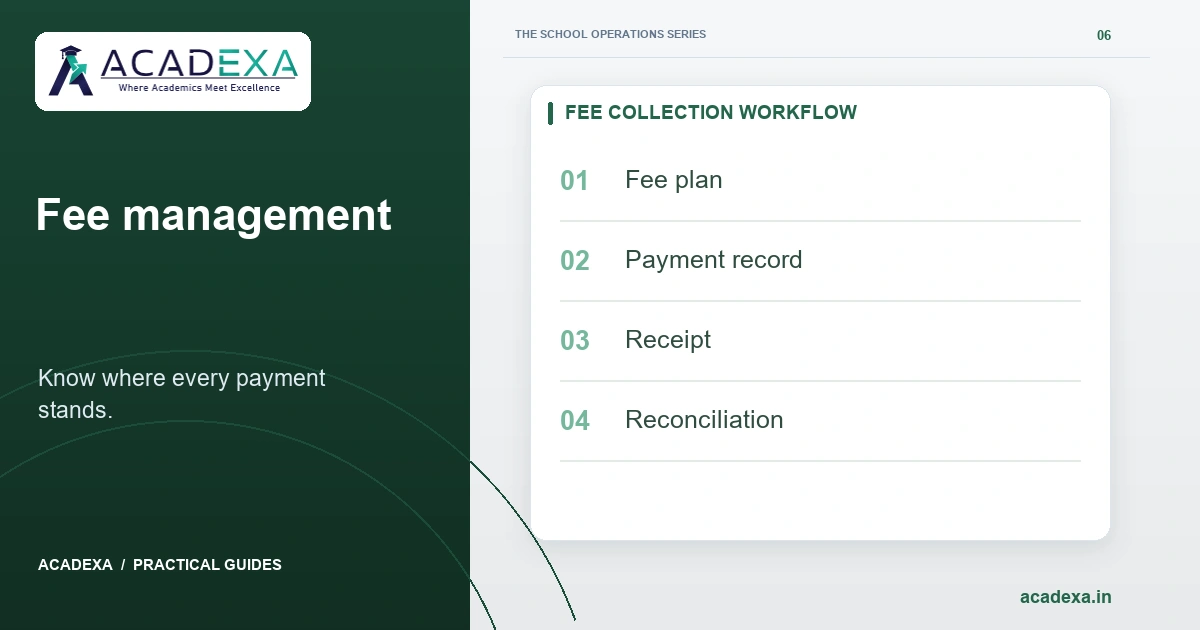
Hands-on practice issuing walk-in cash and cheque receipts, verifying online payment settlements, applying approved concessions, and printing daily cash closure summaries.
- Verifying daily bank settlement reports against physical cash drawers.
Executive orientation on reading operational dashboards: live attendance heatmaps, fee collection trends, defaulter summaries, and staff leave approvals.
- Accessing high-level institution health metrics on a tablet or laptop anytime, anywhere.
Go-Live Dry Run & Emergency Contingency Protocol
Never launch to the entire school without a controlled shadow trial that identifies workflow bottlenecks before parents and students are engaged.
Two weeks before full public launch, implement these safety nets:
When is the best time of year to implement a new School ERP?
Can we migrate existing student and fee data directly from Excel spreadsheets?
Yes. Acadexa provides standardized Excel data migration templates. Our onboarding specialists assist your administrative office in formatting, validating, and bulk-importing your student profiles, class rosters, and fee balances.
How do we handle senior teachers who are hesitant or resistant to technology?
Should our school keep paper registers as a backup during the first month?
What hardware infrastructure do teachers and office staff require?
No specialized hardware is required. Administrative and accounts staff can use any existing office PC or laptop with an internet browser. Teachers can mark attendance and homework directly on their personal or school-provided Android or iOS smartphones.
Does Acadexa provide dedicated support on our first live fee collection day?
Yes. On major rollout milestones—especially the first live fee collection day and report card publishing day—Acadexa assigns a dedicated implementation engineer on standby to assist counter staff and resolve queries in real-time.
Learn more in the Acadexa School ERP overview.
Plan the next step
Review the Acadexa School ERP overview and list the workflows your team needs to test before making a decision.
Agree on launch acceptance criteria
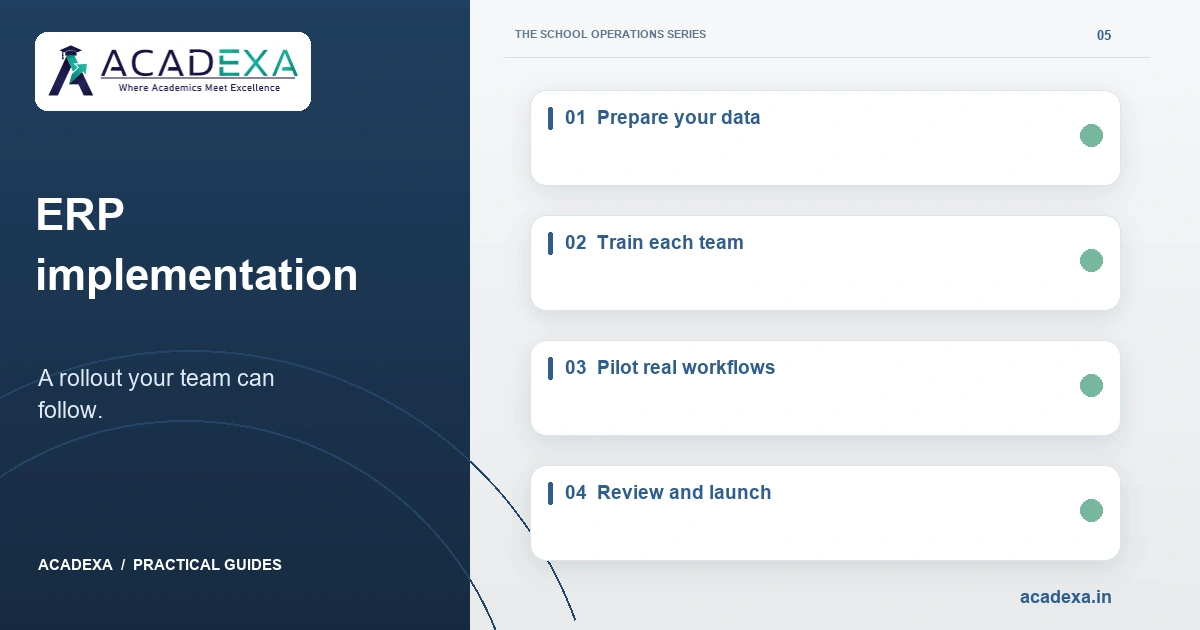
Before switching to the new workflow, ask each department to complete a realistic test using sample records. The accounts team should trace a fee entry through to a receipt and report. Teachers should mark attendance and check how corrections are handled. Administrators should verify permissions and confirm who can export or change records.
Record the result, the person responsible and any remaining issue. Keep unresolved tasks visible in a shared checklist. After launch, review staff questions and reconcile a sample of records against the original data. Expand to another module only when the first workflow is stable and staff know where to request help.