What Is a School ERP? Architecture, Modules & Selection Guide
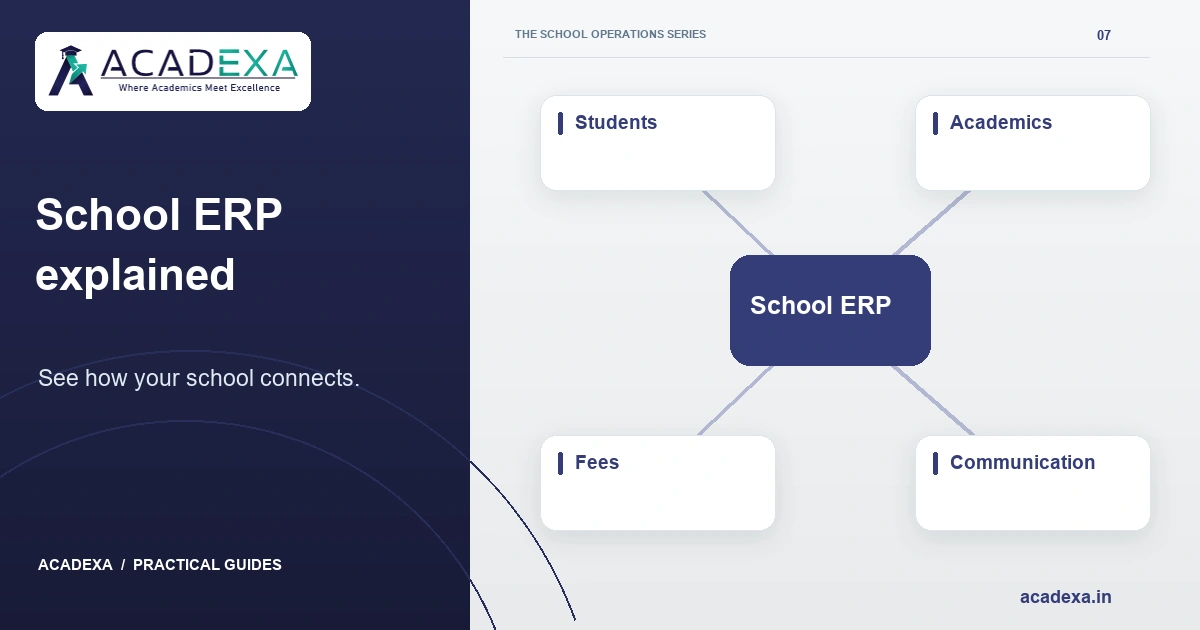
School ERP software connects student records, attendance, fees, examinations and school communication. This guide explains its core modules, how it differs from SIS and LMS tools, and what to evaluate before choosing a system.
A School ERP (Enterprise Resource Planning) is an integrated cloud software platform that unifies student lifecycle records, daily attendance, fee collections, examination gradebooks, and parent-teacher communication into one central database, replacing paper registers and fragmented point solutions.
A Unified Operating System for Educational Institutions
A School ERP (Enterprise Resource Planning) system is a centralized cloud software ecosystem that automates, interconnects, and standardizes administrative, academic, financial, and communication workflows across an educational institution.
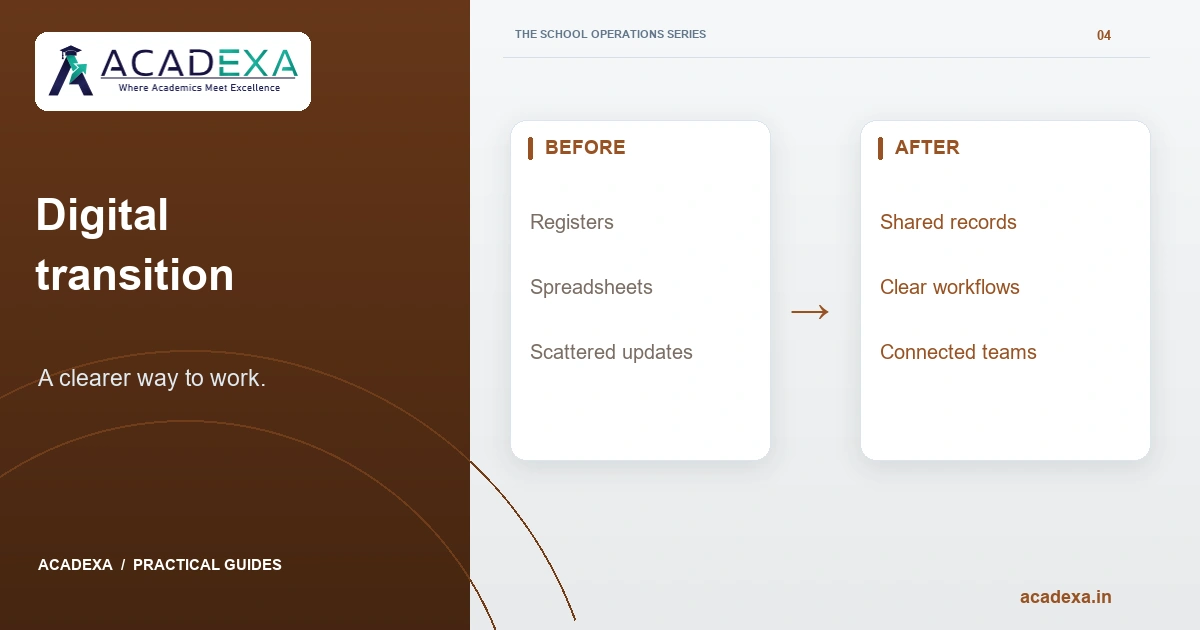
For decades, schools operated through disconnected departmental silos: admissions clerks maintained paper enrollment binders, class teachers marked physical attendance registers, accountants balanced fee ledgers in spreadsheets, and exam coordinators calculated report cards on isolated desktop software. This fragmented model creates immense operational friction, redundant data entry, financial blindspots, and communication delays.
A modern School ERP replaces this operational chaos with a single, synchronized database. When an administrative officer enrolls a new student, that student’s profile is instantly reflected on the class teacher’s digital attendance roster, the fee counter’s collection ledger, the examination controller’s gradebook, and the parent’s mobile portal. The primary purpose of an ERP is not to introduce bureaucratic complexity, but to eliminate repetitive administrative drag so educators can focus on academic excellence.
- Single Source of Truth: Eliminates duplicate data entry across departments and ensures synchronized student profiles.
- Role-Based Access Control (RBAC): Tailors permissions specifically for trustees, principals, accountants, teachers, and parents.
The 5-Pillar Architecture of an Enterprise School ERP
Modern school ERP architecture rests on five interdependent operational pillars that connect administrative governance with daily classroom execution.
To evaluate whether an ERP platform is truly enterprise-grade, school management must look beyond superficial feature checklists and examine the architectural cohesion of the platform.
Tracks the entire student journey from initial inquiry and digital document verification to enrollment, class/section allocation, roll numbering, and eventual transfer certificate (TC) generation.
- Online application forms with digital document uploads and verification pipelines.
- Automated generation of student IDs, admission numbers, and roll sequences.
- Centralized demographic, guardian, medical, and previous academic histories.
Provides educators with flexible curriculum scheduling and multi-format examination management compliant with CBSE, ICSE, IB, and State Board standards.
- Dynamic timetable creation factoring in teacher workloads, subject rooms, and lab schedules.
- Support for continuous assessments, term examinations, and automated grade calculations.
- One-click generation and digital publishing of standardized report cards with graphical performance analysis.
Automates complex institutional fee structures, payment collection gateways, student-wise ledger accounting, and defalcation auditing.
- Multi-tiered fee schedules supporting recurring installments, transport fees, and hostel fees.
- Automated scholarship, sibling, and merit concessions with audit logs.
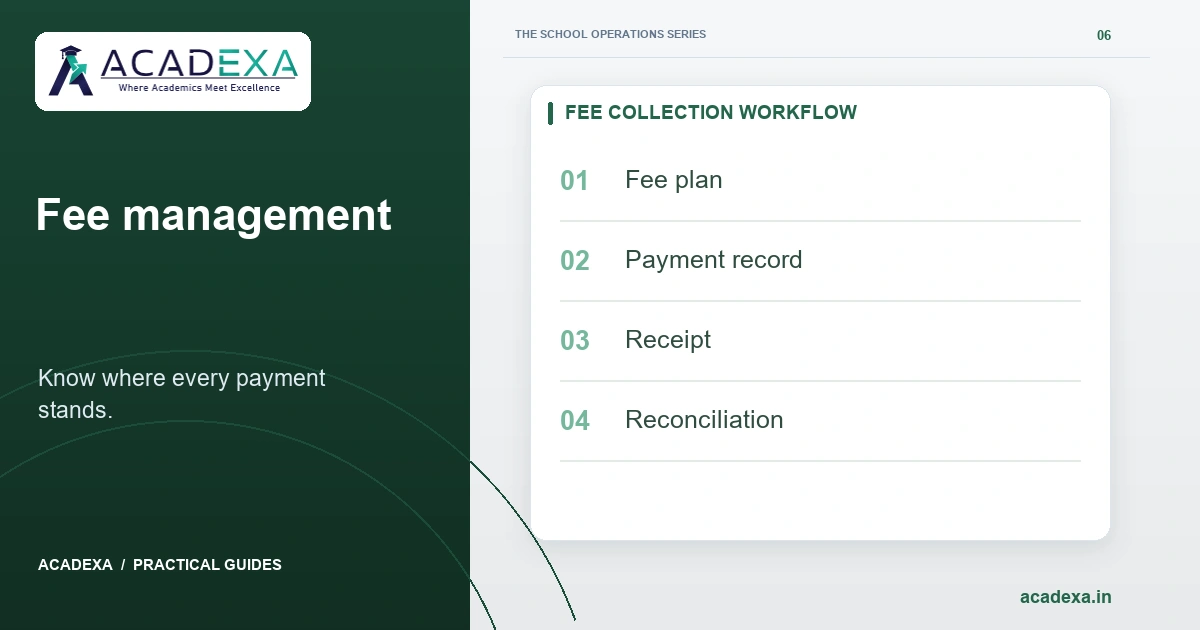
- Instant payment reconciliation via UPI, NetBanking, and credit/debit cards with instant digital receipts.
Transforms routine administrative tasks into rapid, audited workflows accessible on mobile devices and desktops.
- Instant automated alerts dispatched to parents within minutes of an unexcused absence.
Replaces scattered and insecure WhatsApp groups with official, auditable school-home communication channels.
- Targeted circulars, exam schedules, and holiday announcements with read-receipt tracking.
- Digital homework diaries allowing teachers to attach PDF resources and track submissions.
- Dedicated parent portal app providing real-time visibility into attendance, fees, and academic progress.
Comparative Analysis: Registers vs. Point Tools vs. Cloud ERP
Comparing traditional manual administration, disconnected point software, and unified cloud ERP platforms reveals stark differences in operational efficiency, accuracy, and overhead costs.
Understanding where your school currently sits on the technological maturity spectrum is the first step toward institutional transformation.
- Operational Parameter
- Manual Paper & Registers
- Disconnected Point Software
- Acadexa Unified Cloud ERP
The Difference Between School ERP, SIS, and LMS
While often used interchangeably, an ERP, SIS (Student Information System), and LMS (Learning Management System) serve distinct layers of school governance and pedagogy.
<strong>Student Information System (SIS):</strong> An SIS is primarily an electronic registrar focused on student demographics, enrollment, basic attendance, and transcript records. It rarely handles institutional finances, asset tracking, or staff payroll.
<strong>Learning Management System (LMS):</strong> An LMS focuses strictly on the pedagogical experience: hosting video lectures, delivering quizzes, managing assignment rubrics, and facilitating online course discussions.
<strong>School ERP (Enterprise Resource Planning):</strong> A School ERP is the overarching institutional framework that includes SIS functionalities, integrates with the LMS, and orchestrates the financial, administrative, logistical, and communication backbone of the school. Acadexa is architected as an all-in-one School ERP, eliminating the need to purchase and bridge multiple conflicting tools.
- SIS handles student records; LMS handles course delivery; ERP manages the entire school institution.
- Using disconnected SIS and accounting software leads to revenue leakage and unreconciled student ledgers.
- An integrated ERP offers unified reporting across academic performance, financial standing, and administrative efficiency.
8-Point Scorecard for Choosing the Right School ERP
Before committing to a vendor, institutional leaders must assess critical criteria to ensure high staff adoption and long-term viability.
What is the primary difference between an LMS and a School ERP?
An LMS (Learning Management System) is designed for content delivery, online quizzes, and digital classroom interaction. A School ERP is an institutional governance platform that manages student records, fees, attendance, examinations, staff administration, and parent-school communication across the entire organization.
Can Acadexa School ERP adapt to custom CBSE, ICSE, or State Board grading patterns?
How secure is our school’s academic and financial data in the cloud?
Acadexa employs enterprise-grade data encryption both in transit and at rest, alongside role-based access controls (RBAC). Daily automated backups are stored in secure cloud environments, ensuring complete resilience against hardware failure, unauthorized access, and physical record loss.
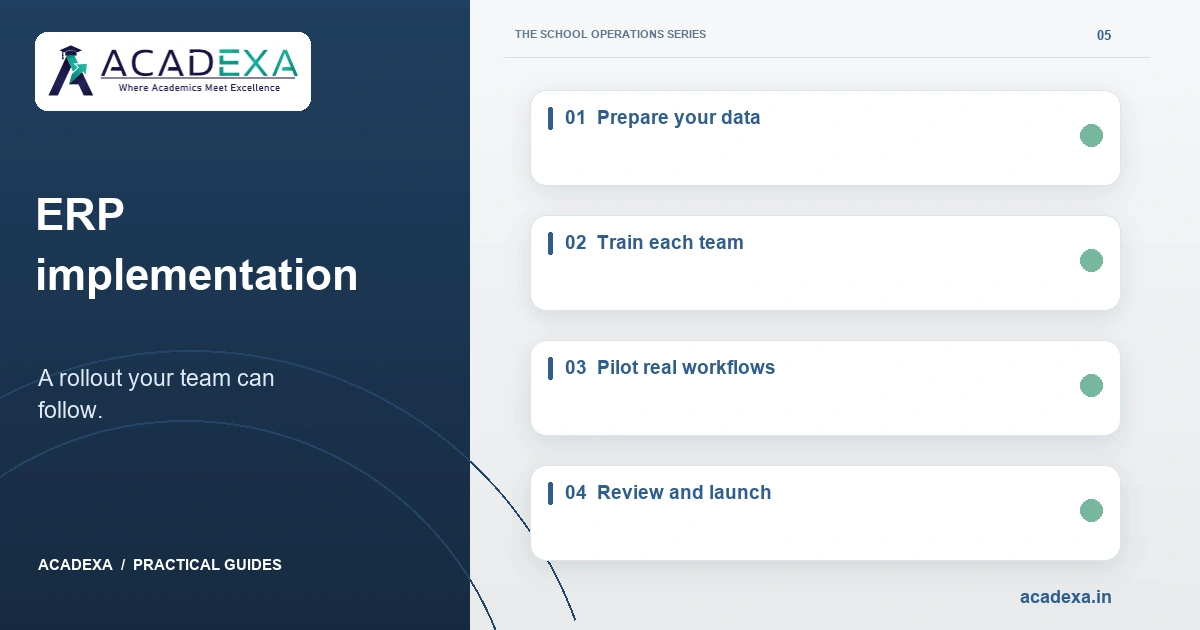
How long does a full School ERP implementation typically take?
Does our school need dedicated IT servers or technical maintenance staff?
Can parents without high technical skills use the Acadexa mobile portal?
Yes. The parent portal is engineered for maximum simplicity. Parents can check daily attendance, view fee receipts, make online payments, inspect report cards, and read circulars on any standard smartphone with zero training.
Learn more in the Acadexa School ERP overview.